Under-desk mounts for a full-tower gaming PC
Many under-desk PC holders are sized for smaller towers, so check your case's height, width and loaded weight against the maker's numbers before you buy. These four mounts are a starting point, and one, the Mount-It! MI-7150, shows how a mount can top out below a tall case.
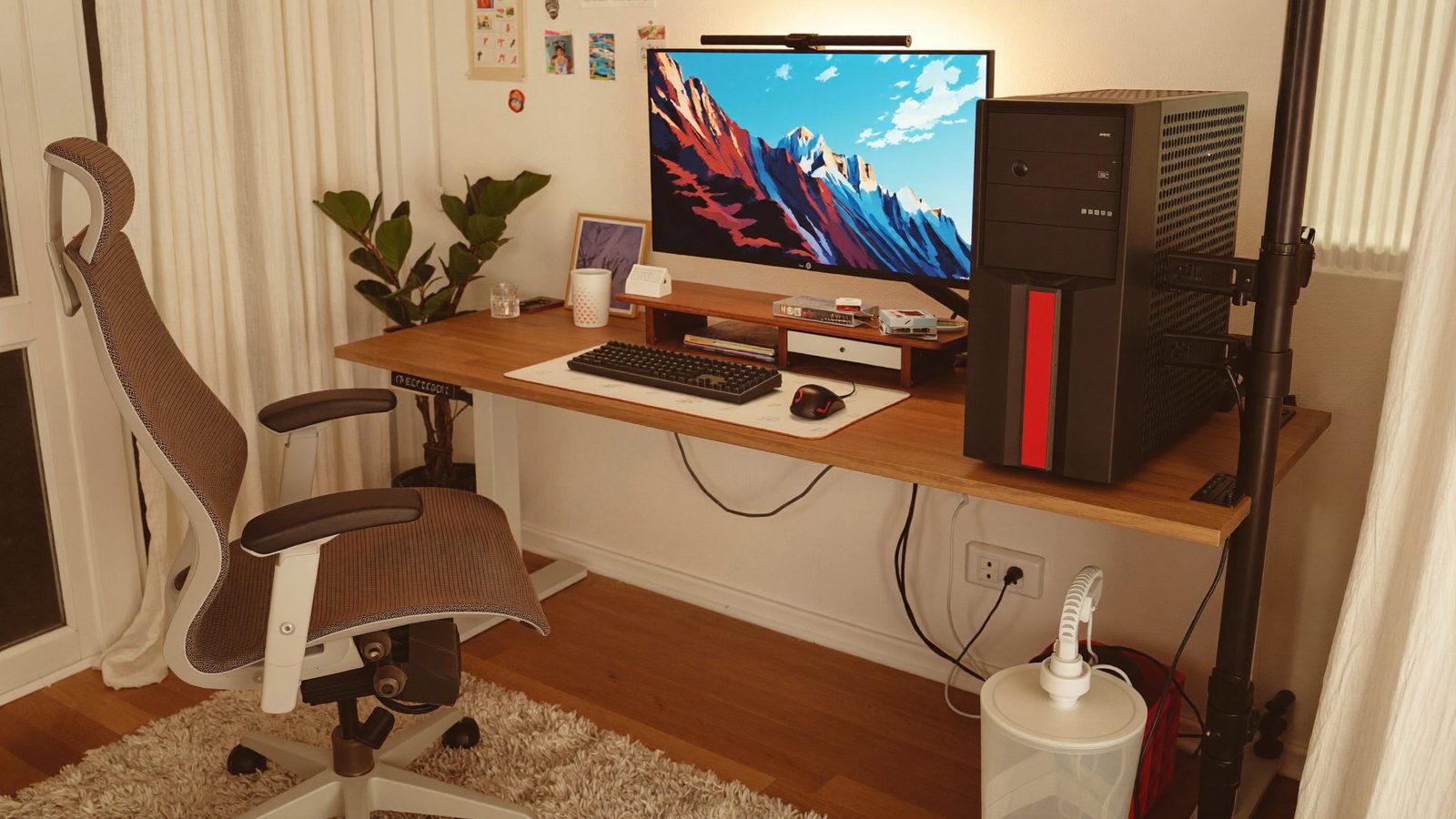
How we picked: these are researched picks, not hands-on tests. We compare the specs that matter for this question, using the makers' own pages and other trustworthy sources, and link every source below. We never show prices, because they change daily; check the current price on Amazon. As an Amazon Associate I earn from qualifying purchases.
Examples this guide covers
- Mount-It! Under Desk CPU Mount MI-7150: Fits CPUs 11.75" to 21" tall and 3.5" to 8" wide
At a glance
| Pick | Attachment | Designed for | Built for | Material | Model |
|---|---|---|---|---|---|
| Mount-It! Heavy-Duty Clamp-On CPU Mount Heavy PCs on a sit-stand desk | Clamp-on, under the desk | Sit-stand desks | Heavy-duty systems | — | — |
| VIVO Heavy Duty Under Desk PC Mount MOUNT-PC04B A sturdy steel holder that keeps the PC within reach | Secures to the underside of the desk | — | — | High-grade steel | MOUNT-PC04B |
| Mount-It! Under Desk CPU Mount MI-7150 Towers no taller than 21" and no wider than 8" | — | — | — | — | — |
How to choose
- Height range: A full tower is tall. Compare your case's height with the mount's top fit setting. The Mount-It! MI-7150, for example, stops at 21" tall.
- Width range: Big cases can be wide. Make sure your case's width sits inside the mount's listed range, not right at the edge.
- Weight capacity for the loaded PC: The graphics card, power supply, coolers and drives all add weight. Compare the mount's rating with the whole built PC, not the empty case.
- Your desk type: If you use a sit-stand desk, a mount that attaches to the desk moves the PC with it, which helps avoid pulled cables. Mount-It! designs its Heavy-Duty Clamp-On mount with sit-stand desks in mind.
The picks
1. Mount-It! Heavy-Duty Clamp-On CPU Mount
Best for: Heavy PCs on a sit-stand desk
Mount-It! says this clamp-on mount is built for heavy-duty systems. It is designed for sit-stand desks, so the PC moves with the desk as it changes height, which helps prevent cable strain and disconnection.
- Attachment
- Clamp-on, under the desk
- Designed for
- Sit-stand desks
- Built for
- Heavy-duty systems
2. VIVO Heavy Duty Under Desk PC Mount MOUNT-PC04B
Best for: A sturdy steel holder that keeps the PC within reach
VIVO makes this heavy-duty mount from high-grade steel. It secures to the underside of the desk, which gets the PC off the floor and keeps it easy to reach. Check VIVO's spec tab for the fit range and weight rating before you buy for a tall case.
- Material
- High-grade steel
- Attachment
- Secures to the underside of the desk
- Model
- MOUNT-PC04B
3. Mount-It! Under Desk CPU Mount MI-7150
Best for: Towers no taller than 21" and no wider than 8"
Mount-It! lists this mount for CPUs 11.75" to 21" tall and 3.5" to 8" wide, with a 360-degree swivel. It is a useful reminder to check the top of the fit range: if your full tower is taller than 21" or wider than 8", it won't fit.
- Fits height
- 11.75" to 21"
- Fits width
- 3.5" to 8"
- Swivel
- 360 degrees
Tips
- Measure your case's height and width, or look them up on the case maker's spec page, then compare them with the mount's top settings rather than its middle range.
- Think about the weight of the whole built PC, including the graphics card, power supply and coolers, not just the empty case.
- If a maker page and a retailer listing give different numbers, trust the maker's spec tab or contact the maker before buying.
- On a sit-stand desk, pick a mount that attaches to the desk so the PC rises and lowers with it, and leave enough cable slack.
- If your tower is bigger or heavier than a mount's listed limits, keep it on the floor or on the desk instead.
Questions
- Why might an under-desk PC holder not fit my full tower?
- Every holder has a set height and width range. The Mount-It! MI-7150, for example, fits towers only up to 21" tall and 8" wide, so a taller or wider case won't fit. Always check the top of the range against your case.
- How much weight capacity do I need for a gaming PC?
- Go by the weight of the whole built PC, which is more than the empty case. Pick a mount whose rating is clearly above that number. The Humanscale CPU600, for example, is rated for 50 lb.
- Do under-desk mounts work with standing desks?
- Mounts that attach to the desk move with it. Mount-It! designs its Heavy-Duty Clamp-On CPU Mount for sit-stand desks, so the PC stays in sync with the desk height and the cables aren't pulled.