Find the desk setup that fits you.
Honest, specific guides to build a home office that fits you. Every pick is researched against the makers' own specs, and every source is linked.
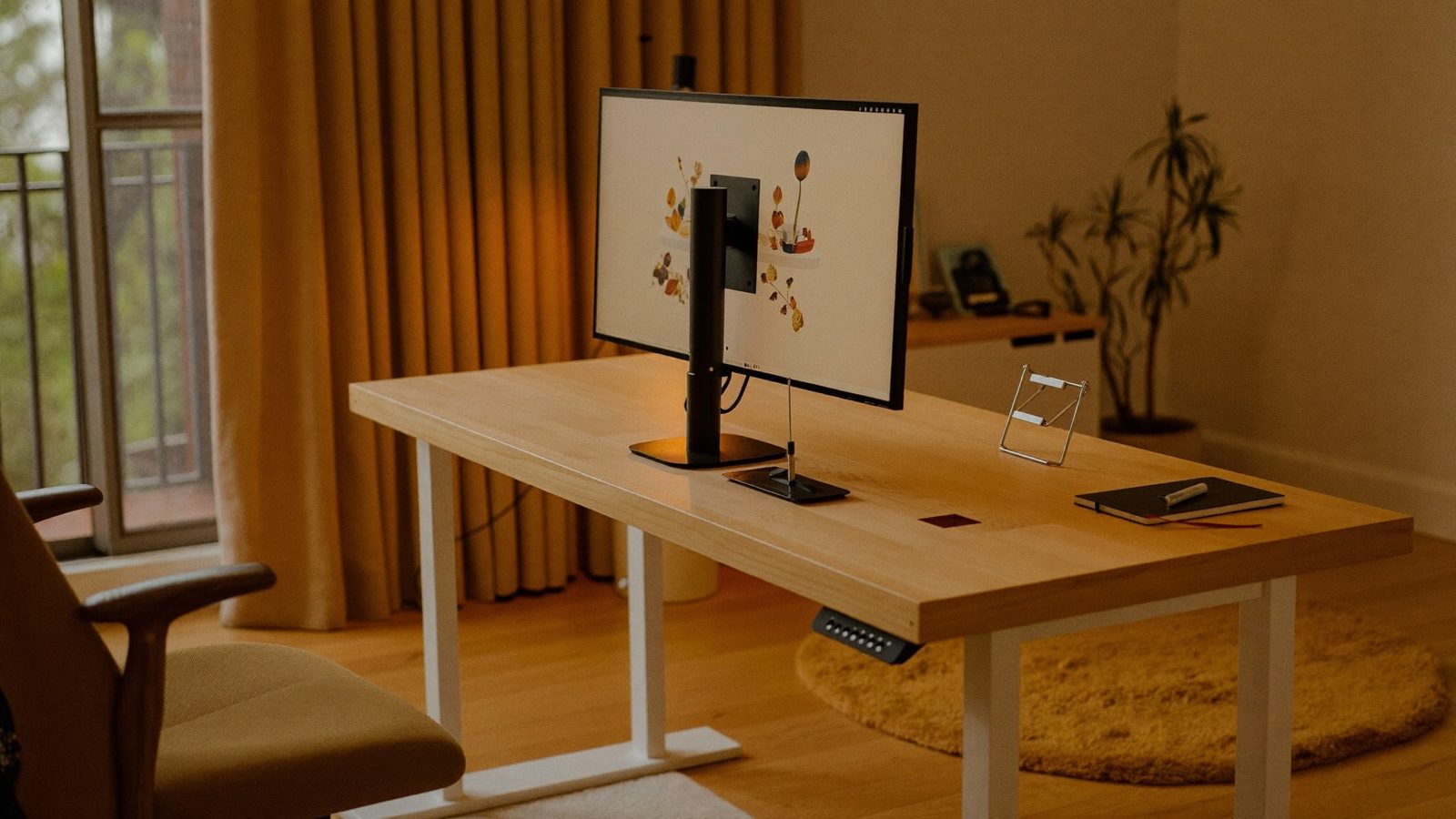
How to put a monitor with no VESA holes on a monitor arm
You need a VESA adapter: either a universal bracket that grips the screen's edges, or a model-specific plate that bolts where the factory stand was. Here are six researched options and how to pick the right type for your monitor.
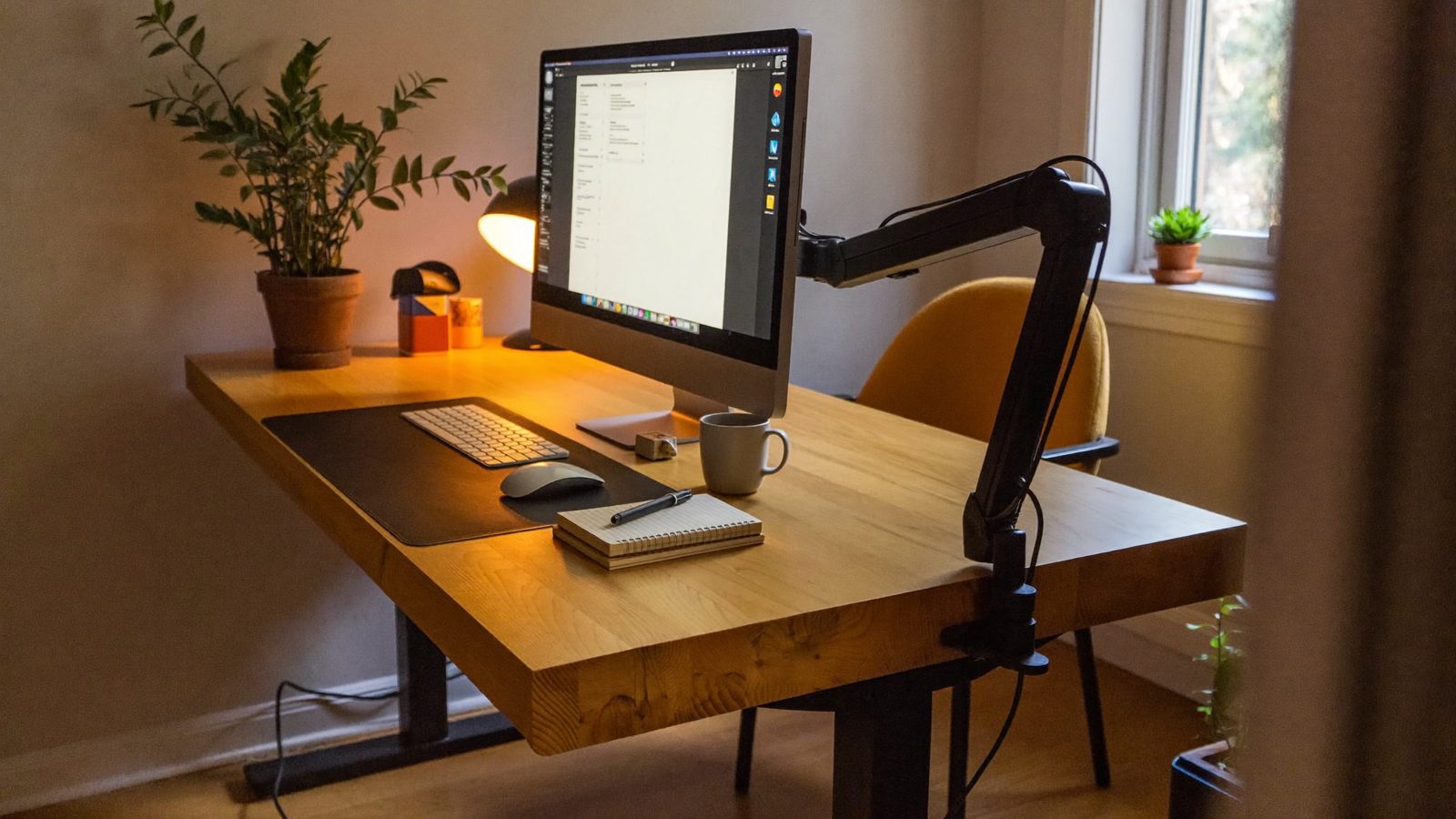
Monitor arms that clamp onto thick desks (2 inches and up)
Many standard monitor arm clamps top out around 2 inches, so butcher-block and solid-wood desks need a clamp that opens wider. These researched picks list clamp openings from 2.4 inches up to 3.93 inches.
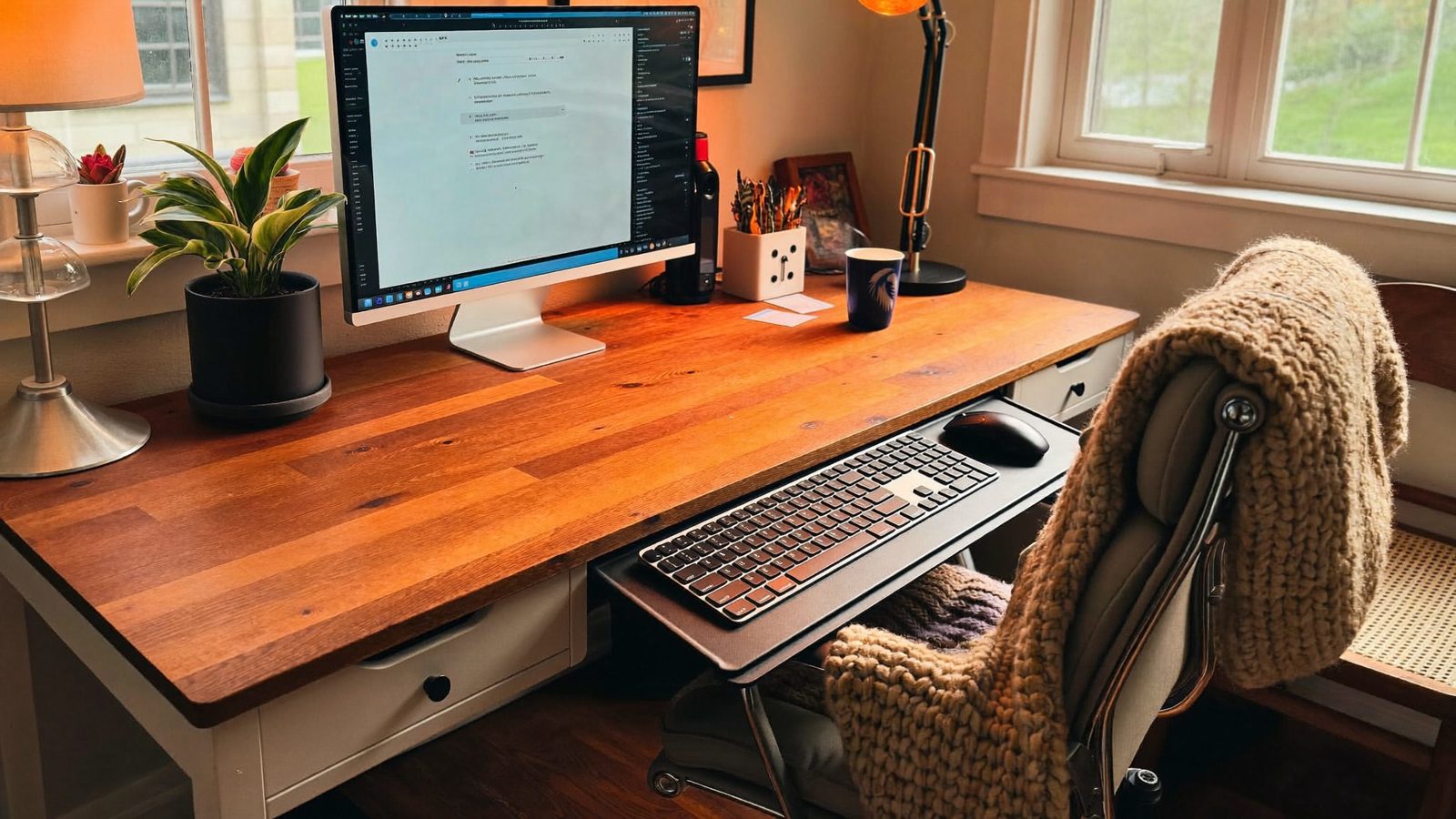
Clamp-on under-desk keyboard trays that need no drilling
A clamp-on keyboard tray lets you lower your keyboard without putting holes in a rented, nice or standing desk, but only if the clamps fit your desk's thickness and front edge. Here are three researched picks, with the specs we could confirm on each seller's page.
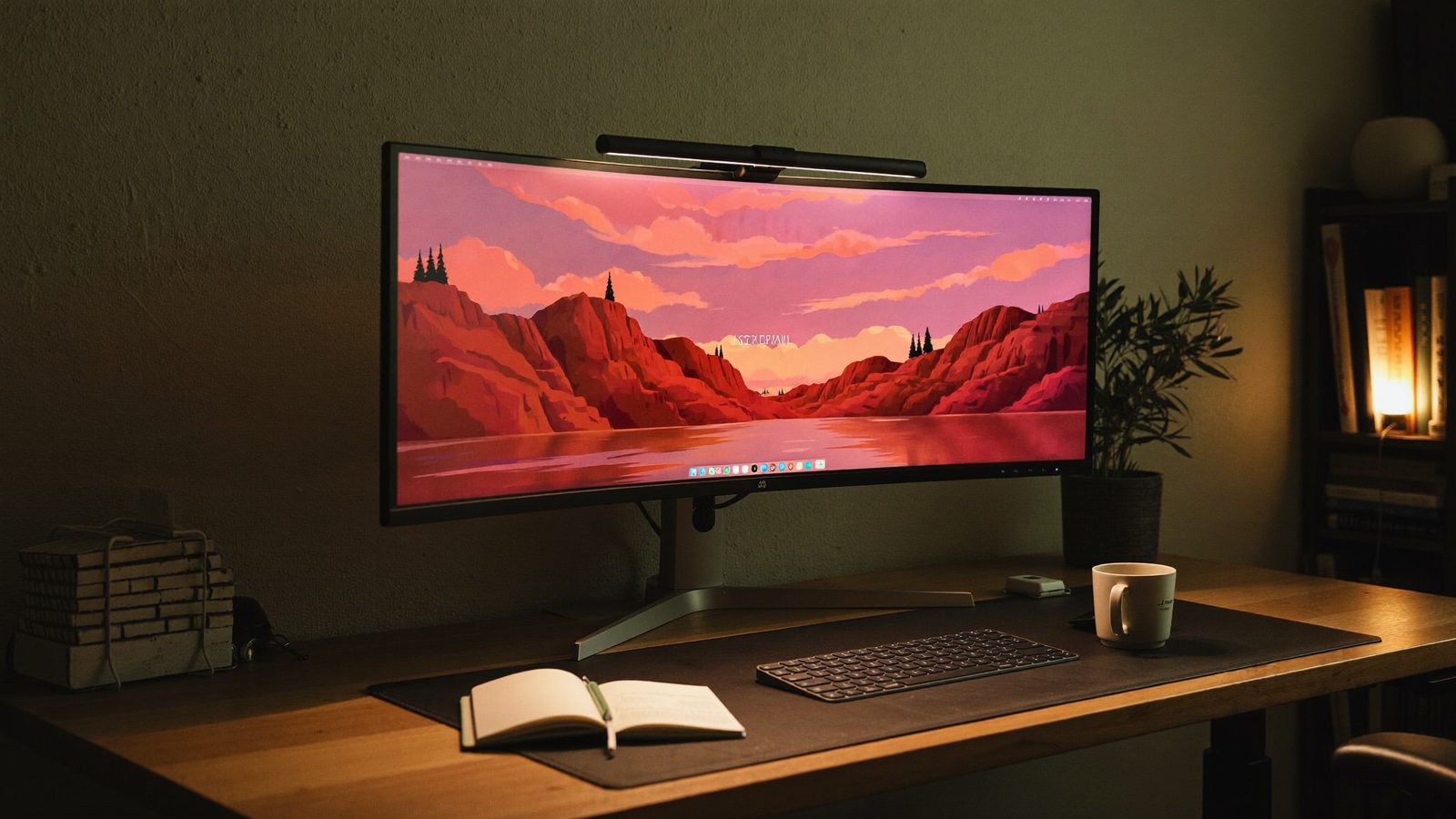
Monitor light bars that fit curved monitors
Many light bars are built for flat screens and may not sit well on a strongly curved monitor. These picks each list a curve rating, a curved-screen thickness range or a supported screen size, so you can check the fit before you buy.
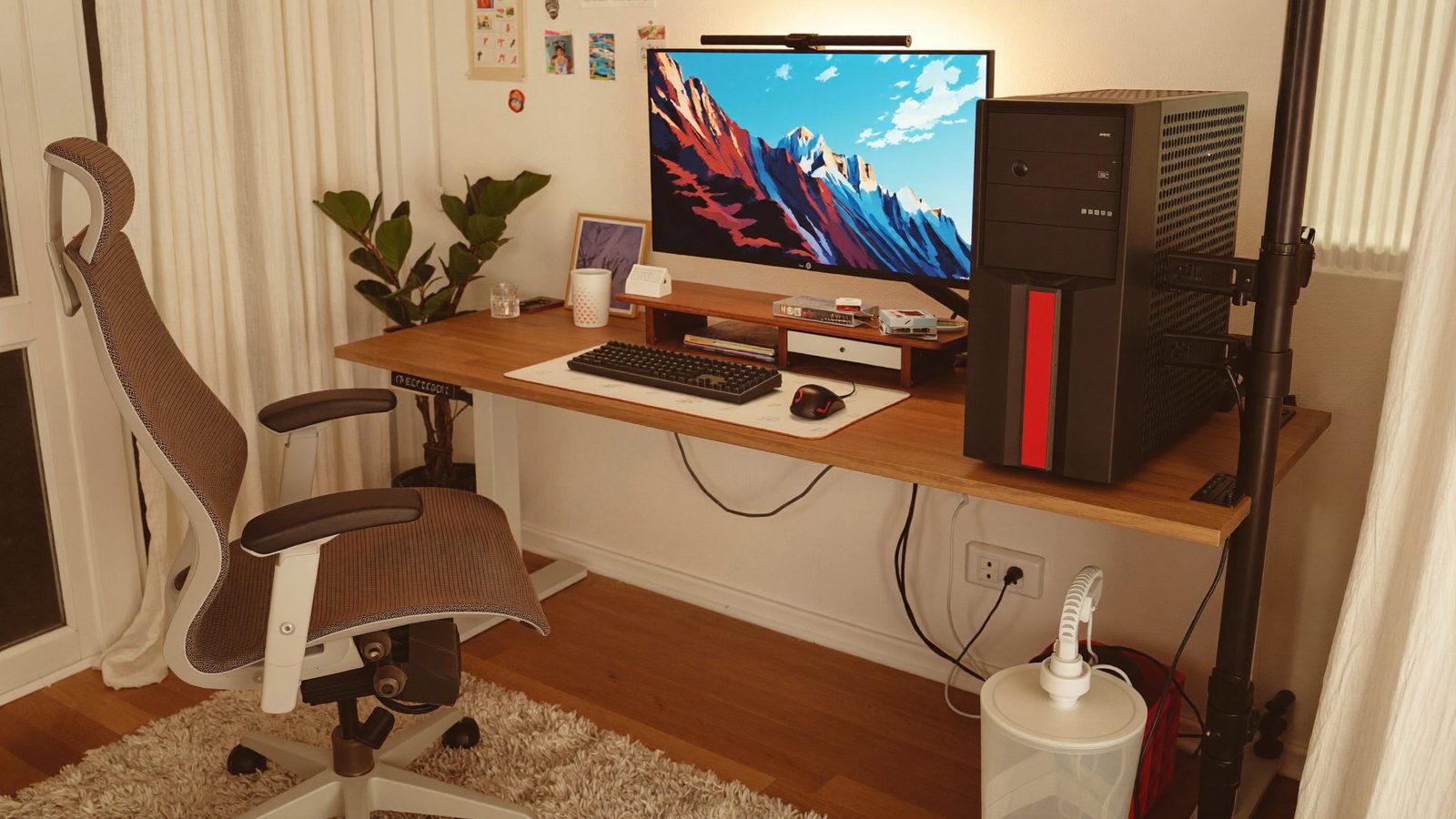
Under-desk mounts for a full-tower gaming PC
Many under-desk PC holders are sized for smaller towers, so check your case's height, width and loaded weight against the maker's numbers before you buy. These four mounts are a starting point, and one, the Mount-It! MI-7150, shows how a mount can top out below a tall case.
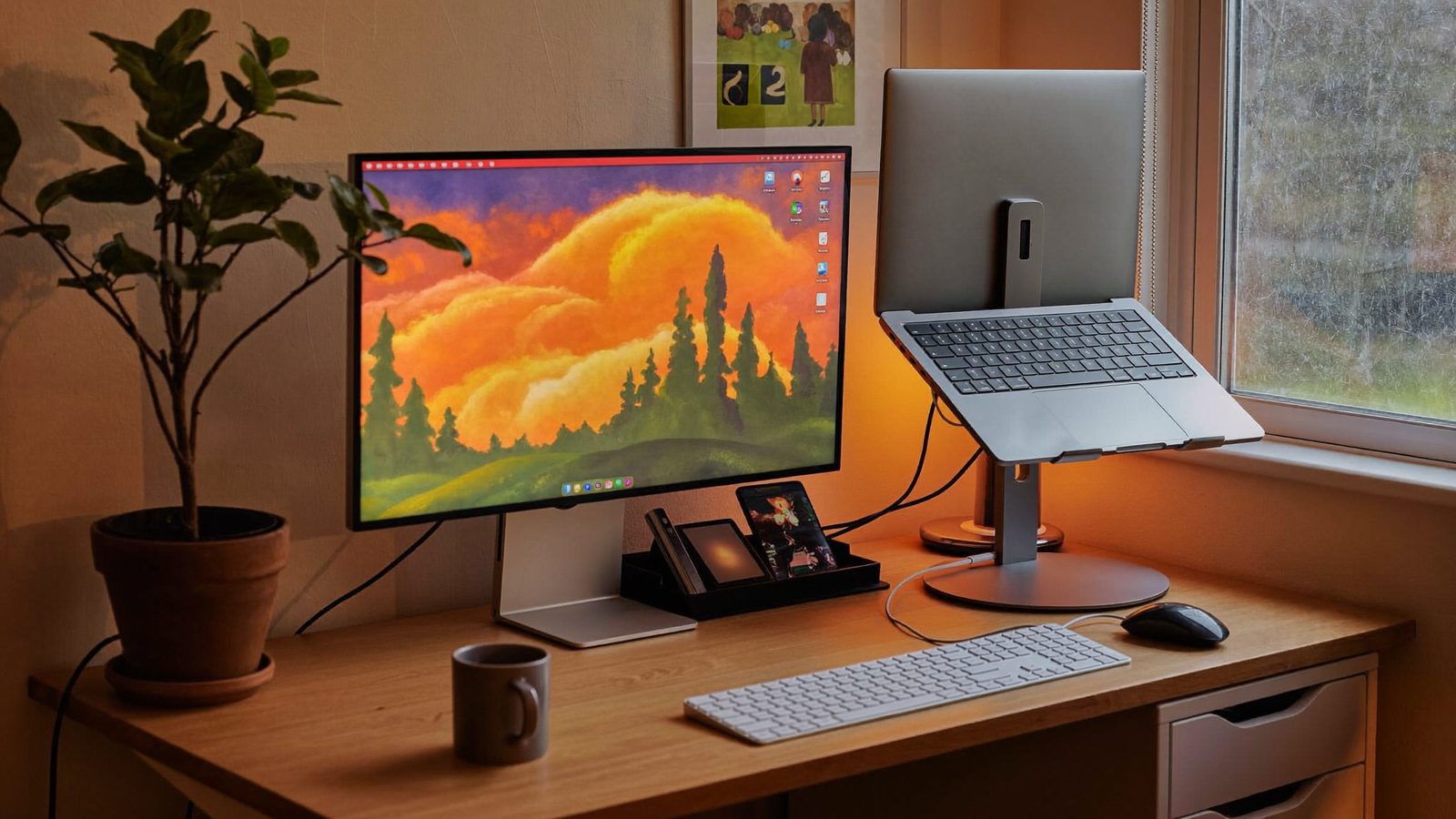
Vertical stands for using a closed laptop next to a monitor
If you run your laptop closed and plugged into a monitor, a vertical stand frees desk space and keeps the laptop standing securely. These picks either flex to fit, adjust to your laptop's thickness, or use a fitted insert.
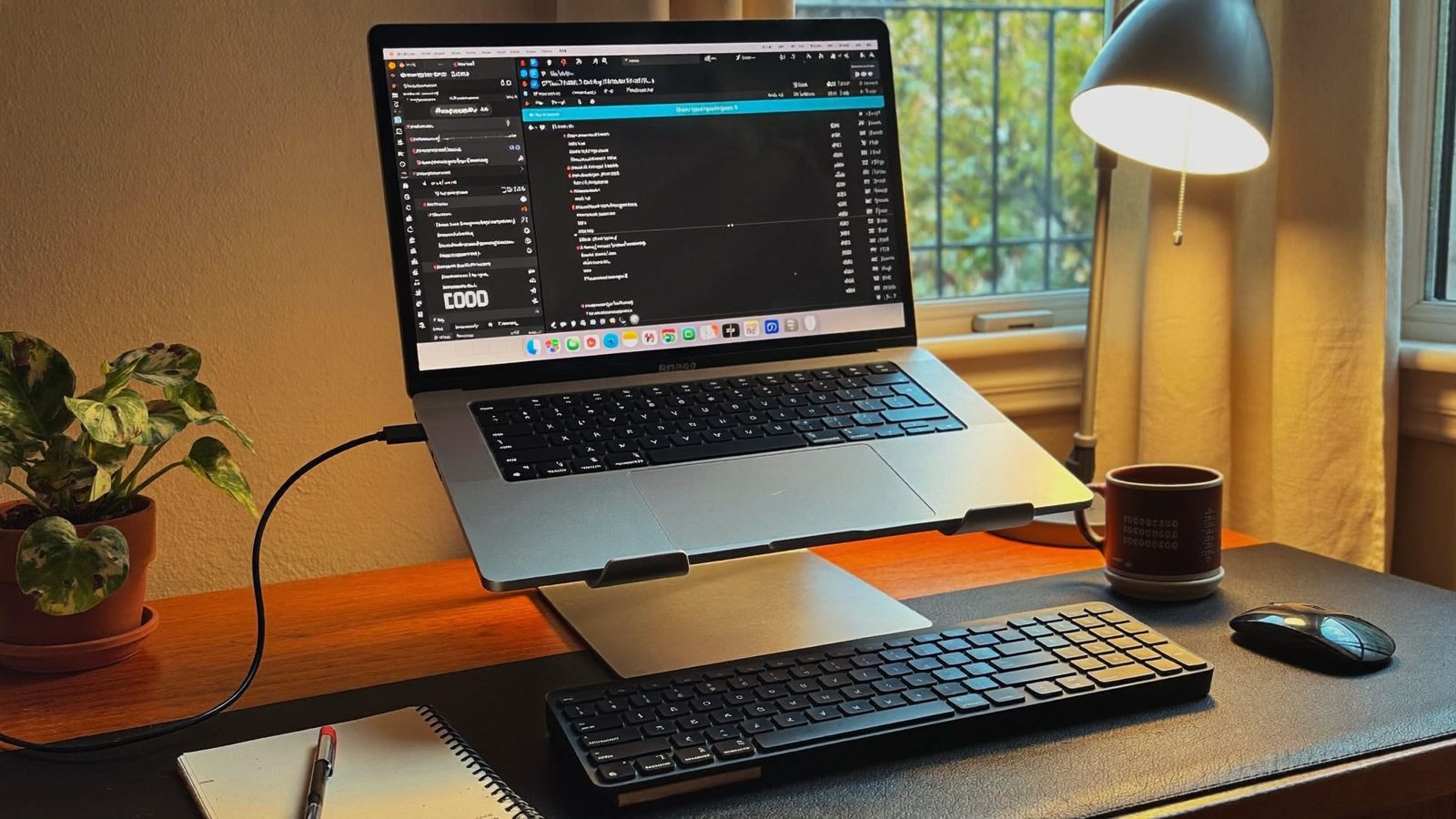
Laptop stands that fit 17-inch laptops
These four stands are listed by their makers for laptops up to 17 or 17.3 inches. Check how each maker measures fit, and whether there's a weight limit, before you buy.
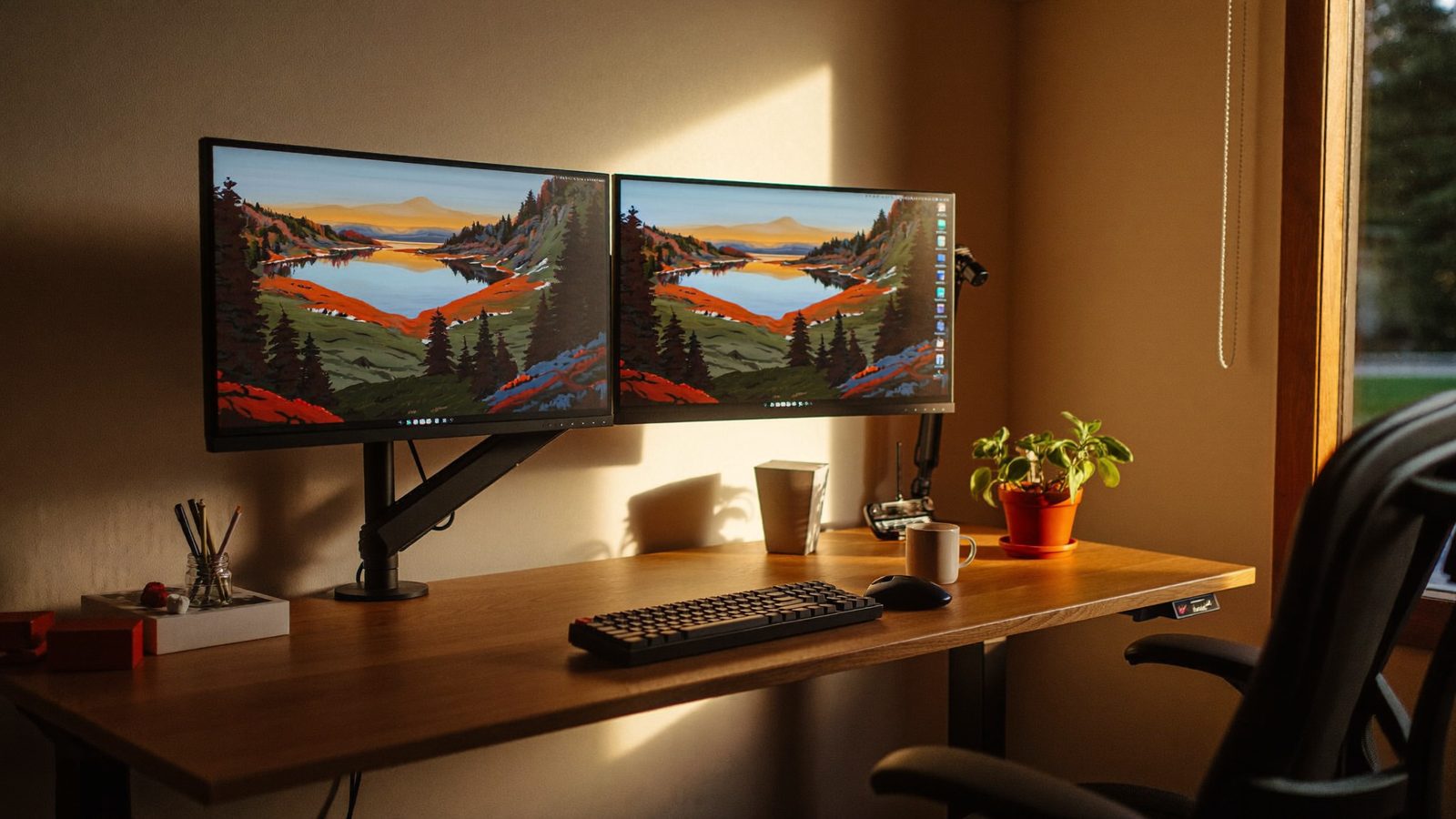
Standing desk converters that hold two monitors
A dual-monitor converter has to lift two screens, so check the screen size range, the weight limit for each monitor and the height range before you buy. Several picks here include a dual monitor mount, and one is built for adding your own arm.
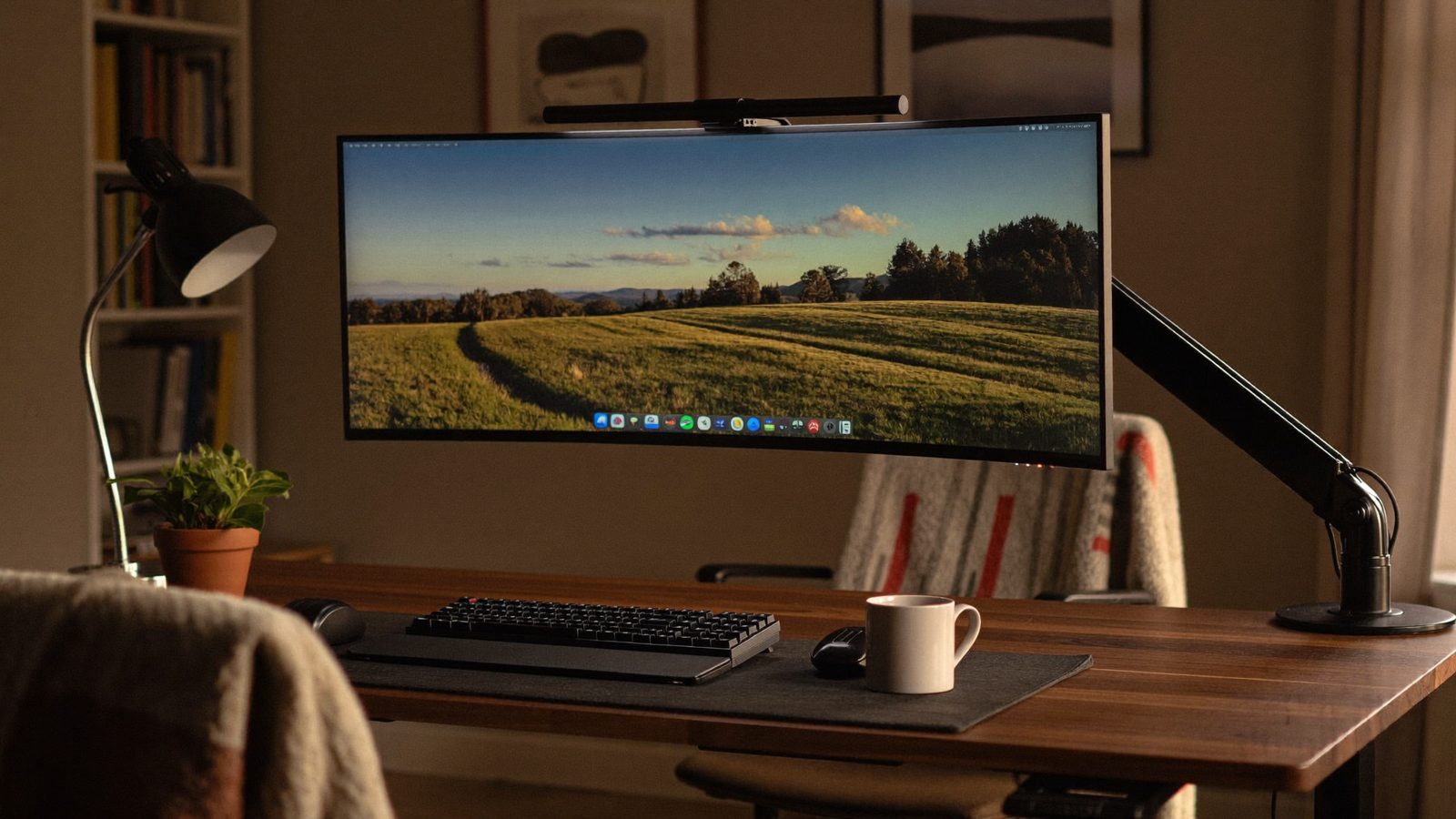
Monitor Arms for Big Ultrawide Monitors (Up to 49 Inches)
Many 49-inch super-ultrawides weigh 25 to 35 lb or more, which is well past the roughly 17.6 lb limit of a standard arm, so you need a heavy-duty arm rated for the weight and size. Two picks hold 49-inch screens up to 44 lb, plus one heavier-duty option.